
Ubuntu Budgie
A community developed distribution, integrating the Budgie Desktop Environment with Ubuntu at its core.

Responsive by design.
Friendly to newcomers from other Operating Systems, programmers and everyday users alike.
Learn more
Always up to date.
Easy to update and maintain. Update to the next release or wait for a big upgrade — the choice is always yours.
Learn more
Powerful performance.
Customizable and optimized for performance on both the desktop and laptop — no compromises.
Learn moreWe've made Ubuntu Budgie even better.
The 22.04 LTS release brings five years of stability with the Ubuntu core and the elegance of Budgie desktop in one seamless package.
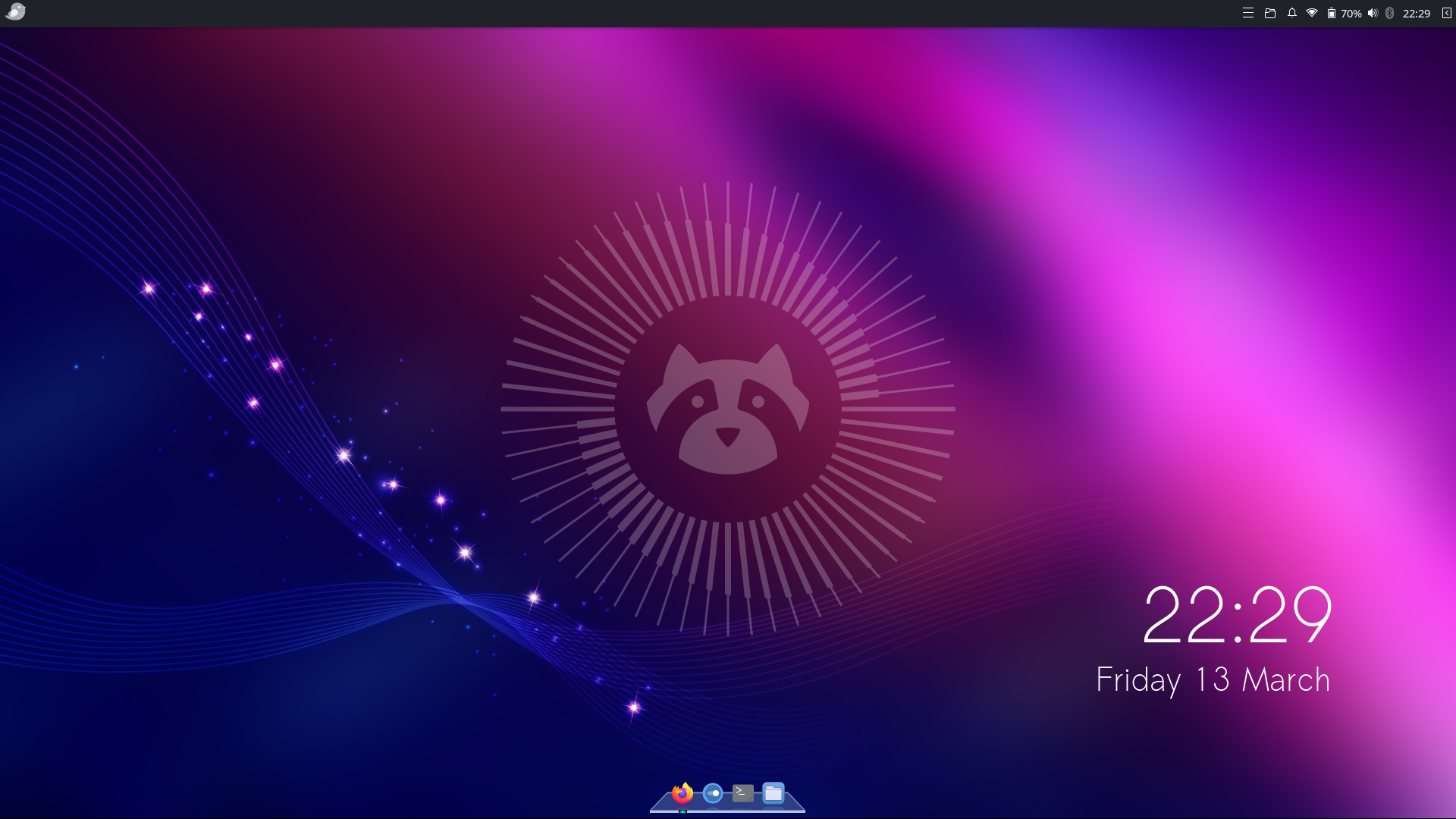
Your journey starts here
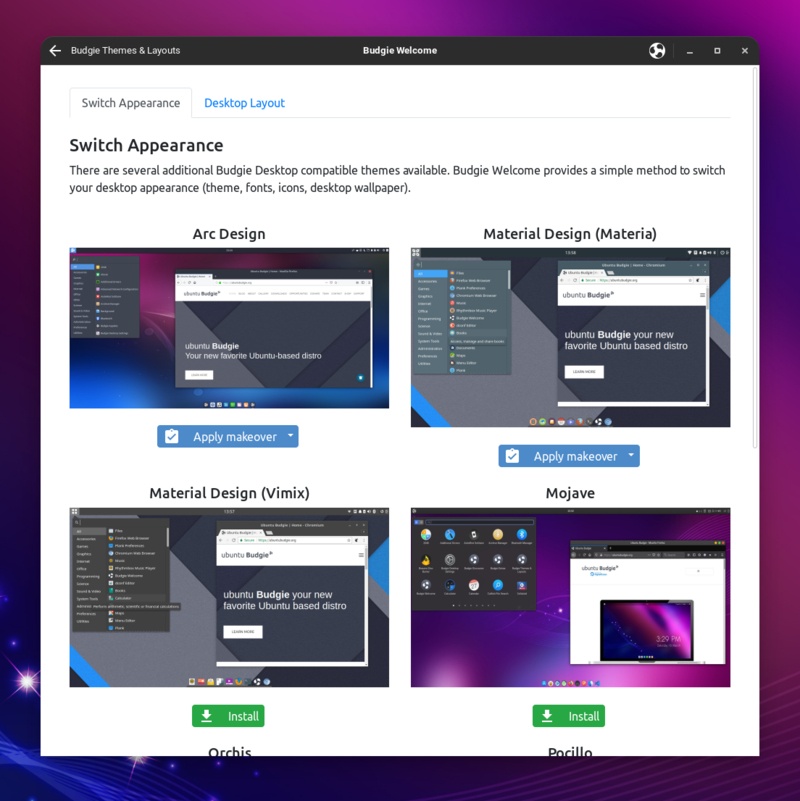
Budgie Welcome – a portal to getting everything you need – from drivers to new themes and applets that make Ubuntu Budgie what it is today.
Get oriented from the very first boot.
Drivers, themes, and applets — all in one place.
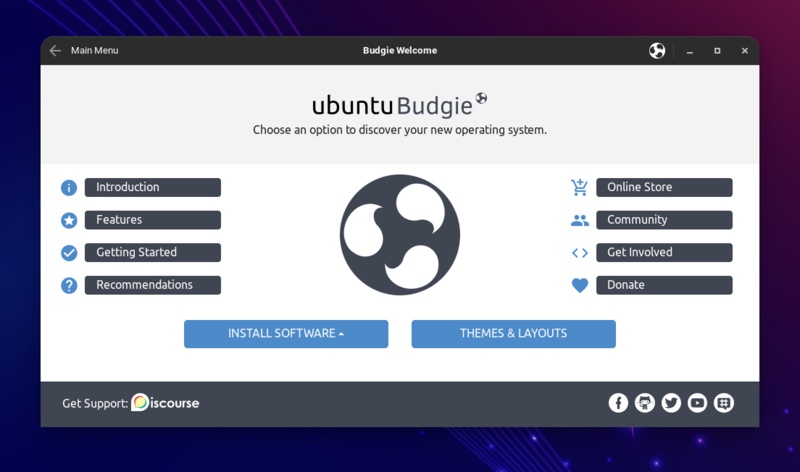
Always current, always secure.
One-click updates keep your system fresh.
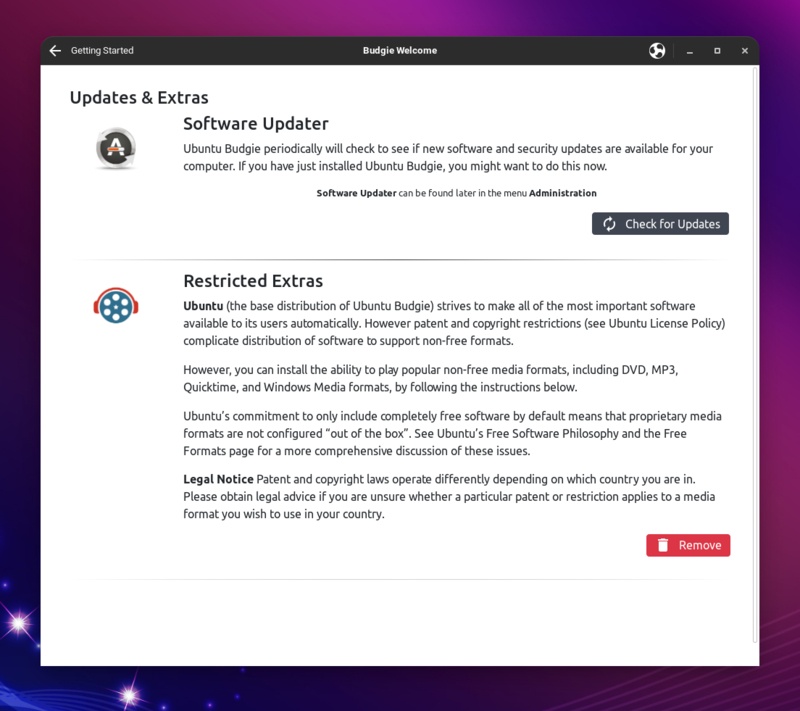
Extend your desktop, your way.
A rich library of Budgie applets at your fingertips.
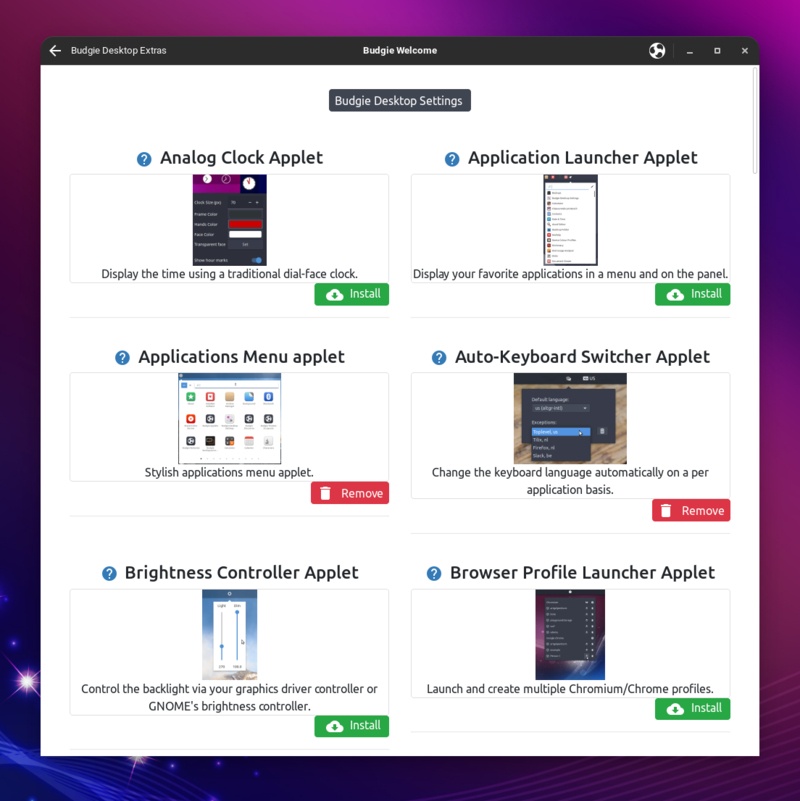
Make it beautifully yours.
Curated themes to match any style or mood.
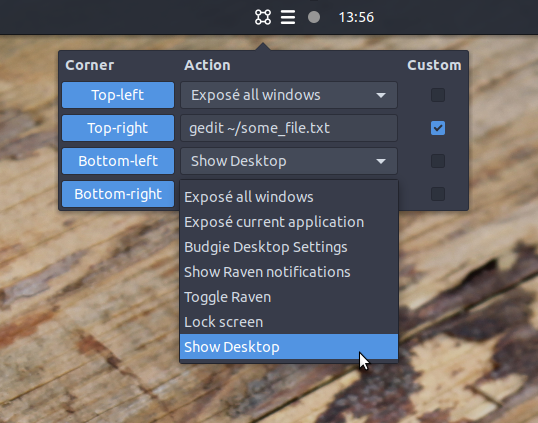
Coming from Mac?
We've built an applet that brings Hot Corners to your desktop — just like Exposé on OS X. Pop the mouse into a corner to reveal apps, trigger actions, or launch shortcuts. Zero learning curve.
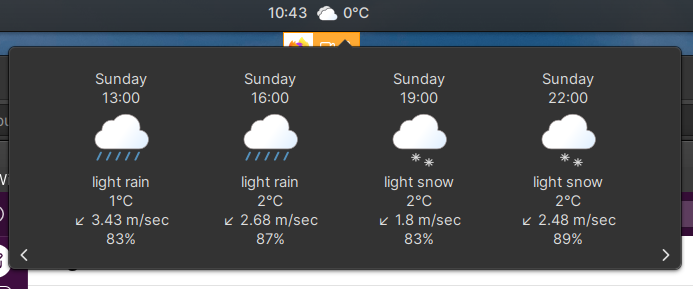
Weather, right on your desktop.
Umbrella or not? A glance at your desktop tells you. The built-in weather applet keeps conditions front and centre — no browser tab required.
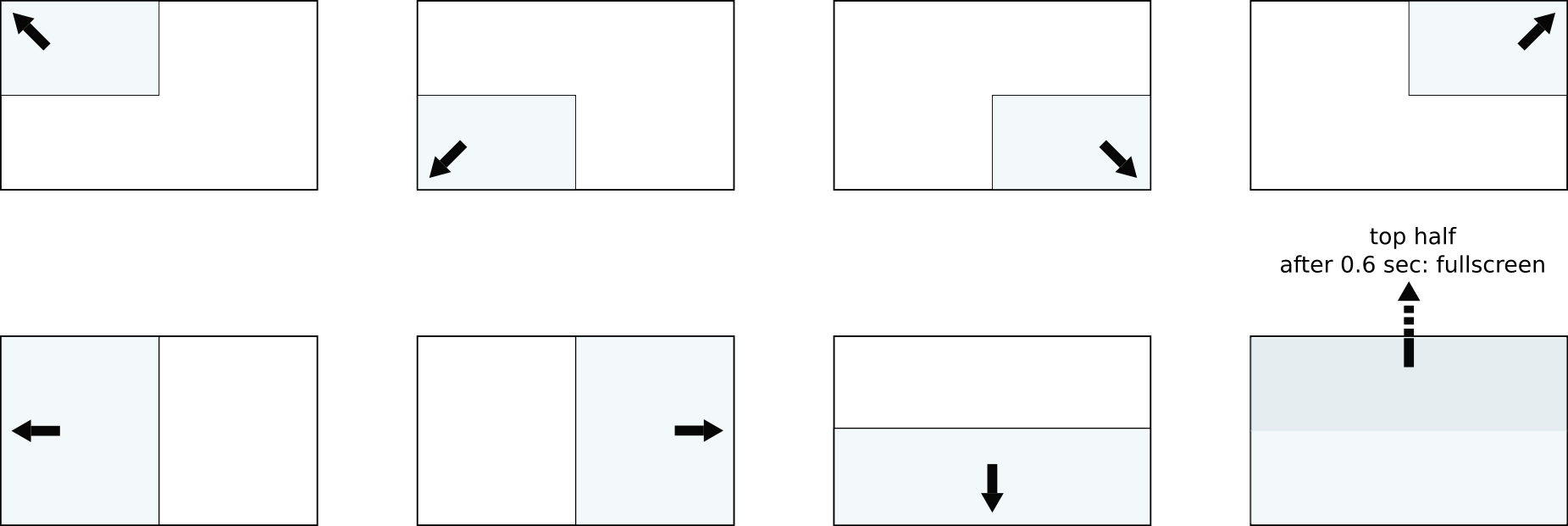
Need a better screen overview?
With the Shuffler applet, snap open apps across your screen in any direction — manually or via keyboard. Every pixel, exactly where you want it.
Small, but useful.
Ubuntu Budgie comes with various applets that extend the features of Budgie desktop. More are available from Budgie Welcome.
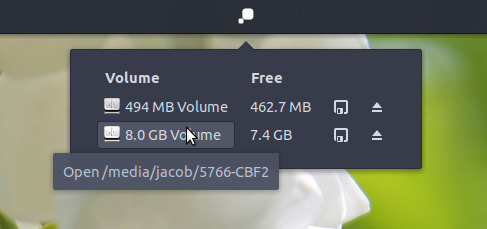
Drop By
Get to your files faster without opening Nemo — browse disks and locations from the panel.
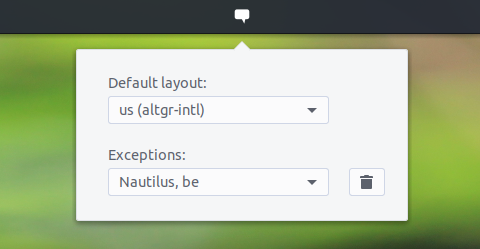
Auto-Switcher
Switch languages easily for each app and desktop, for those that use bilingual keyboards.
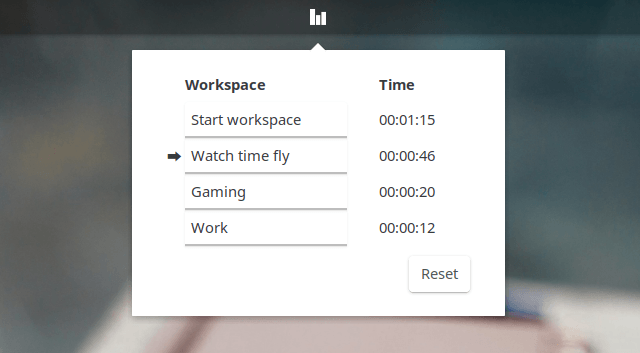
Workspaces
Control different workspaces and name each individually from the taskbar.
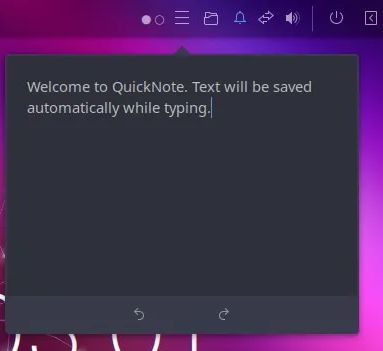
Quick Note
Copy & Paste or write quick notes that you want to get reminded about later.
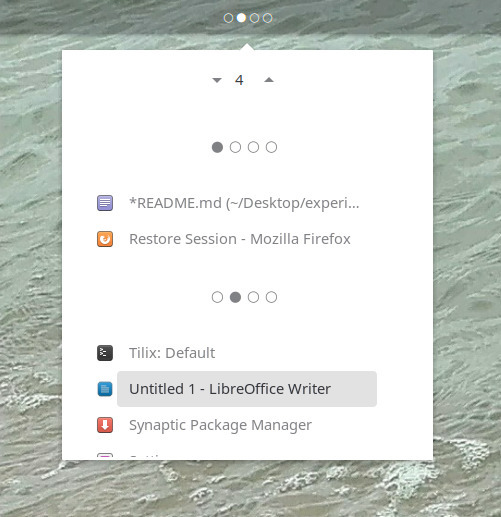
Activities Overview
Check what is happening on other desktops without switching away.
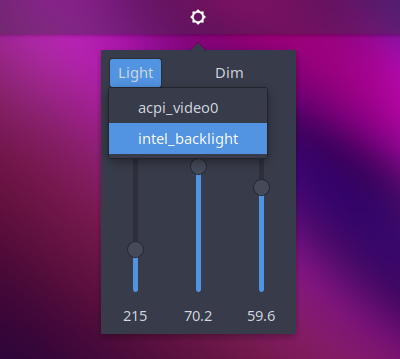
Brightness & Backlight controller
Easily control your screen brightness and keyboard backlight from your taskbar.
Make it your own
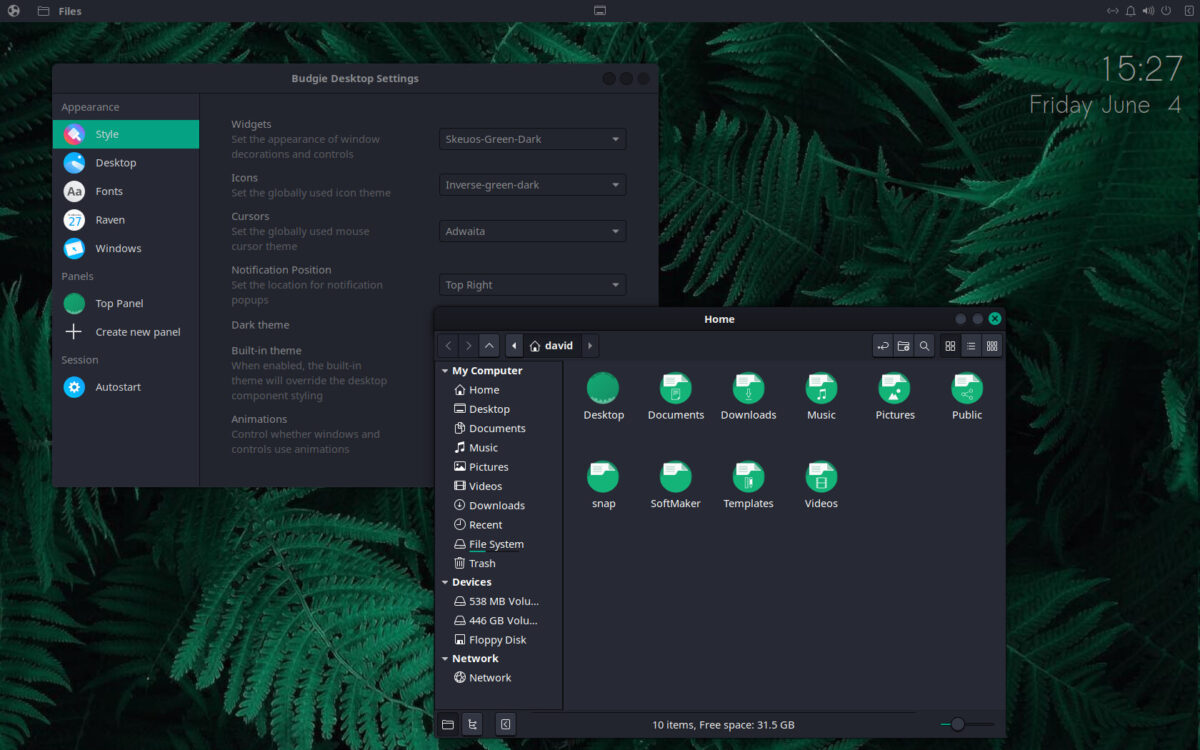
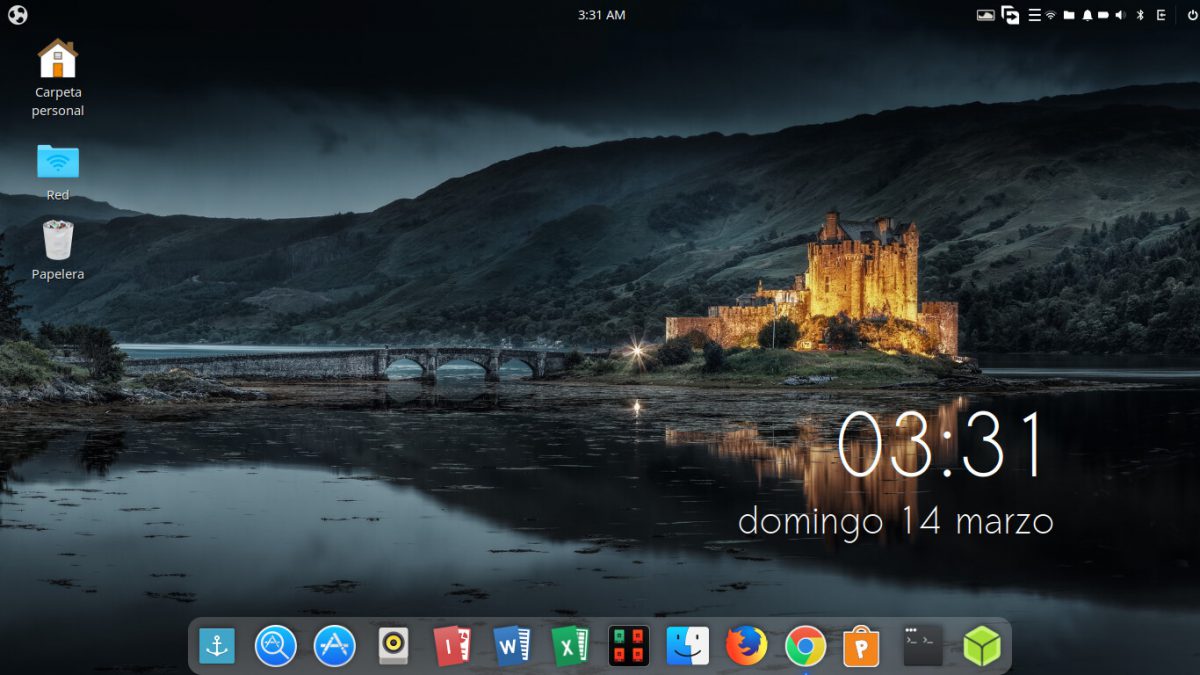
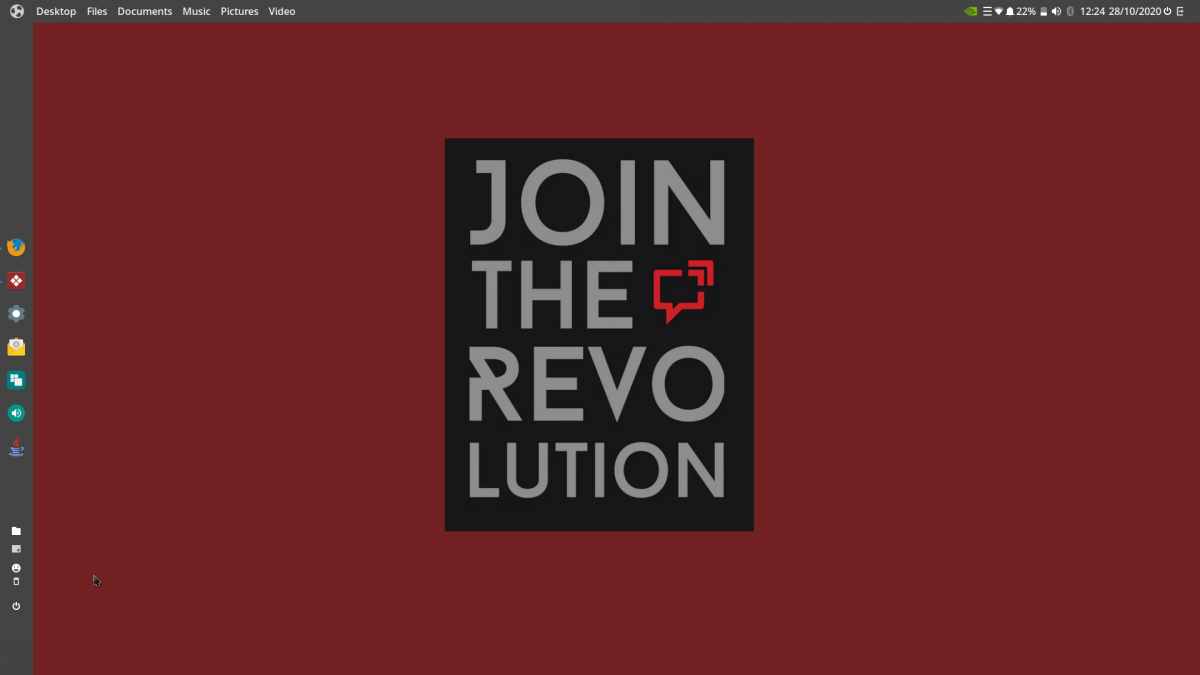
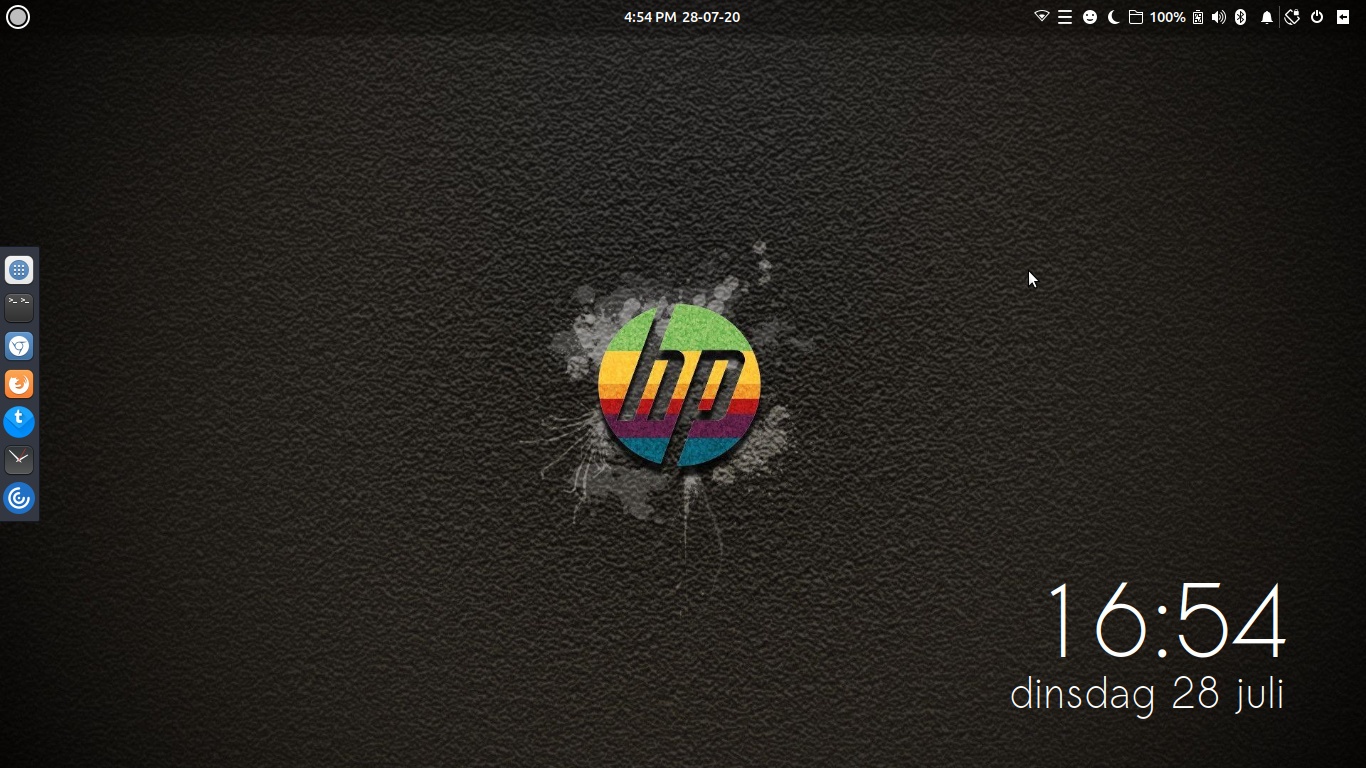
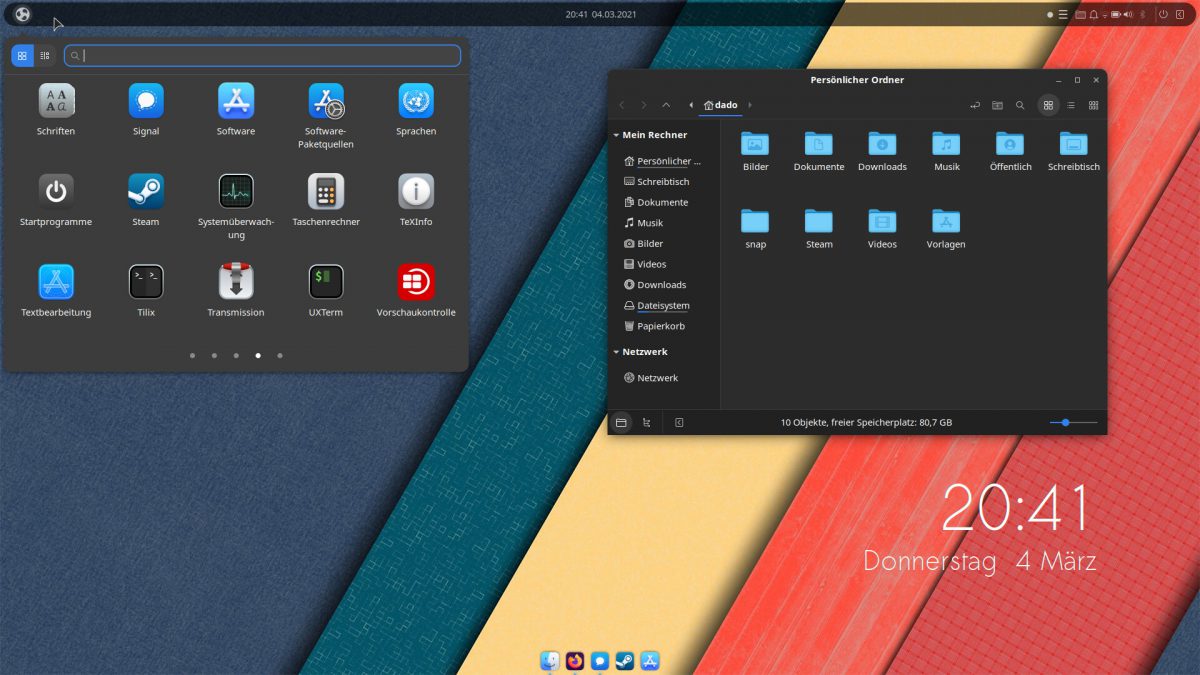
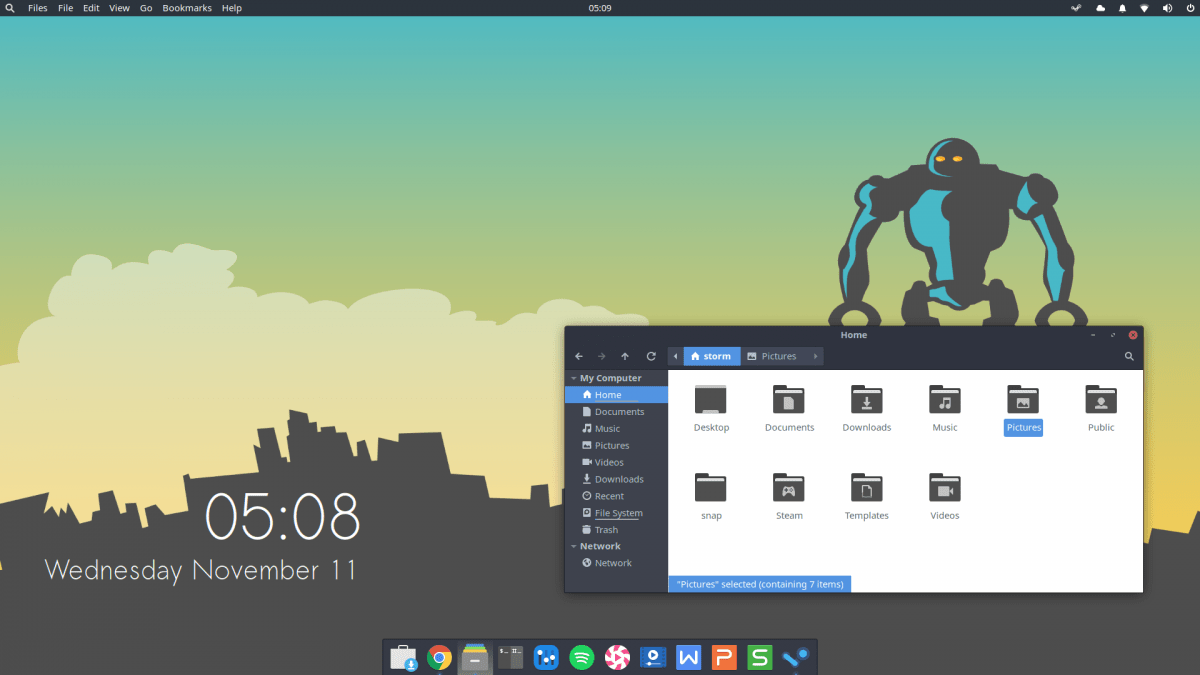
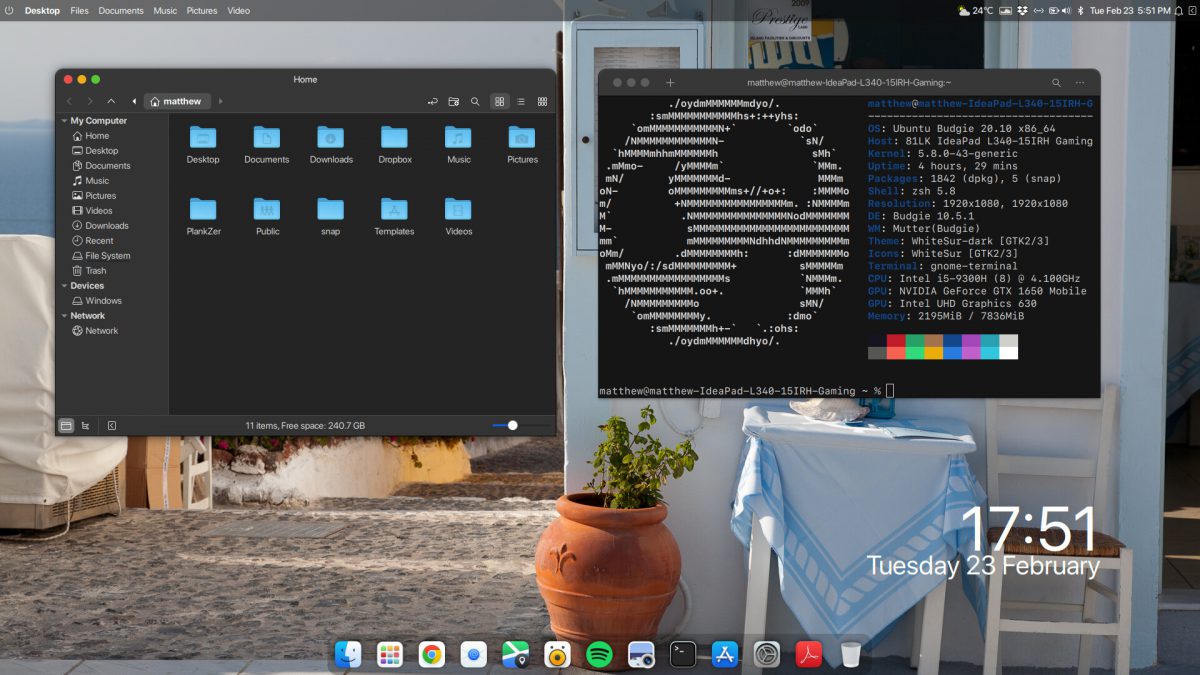
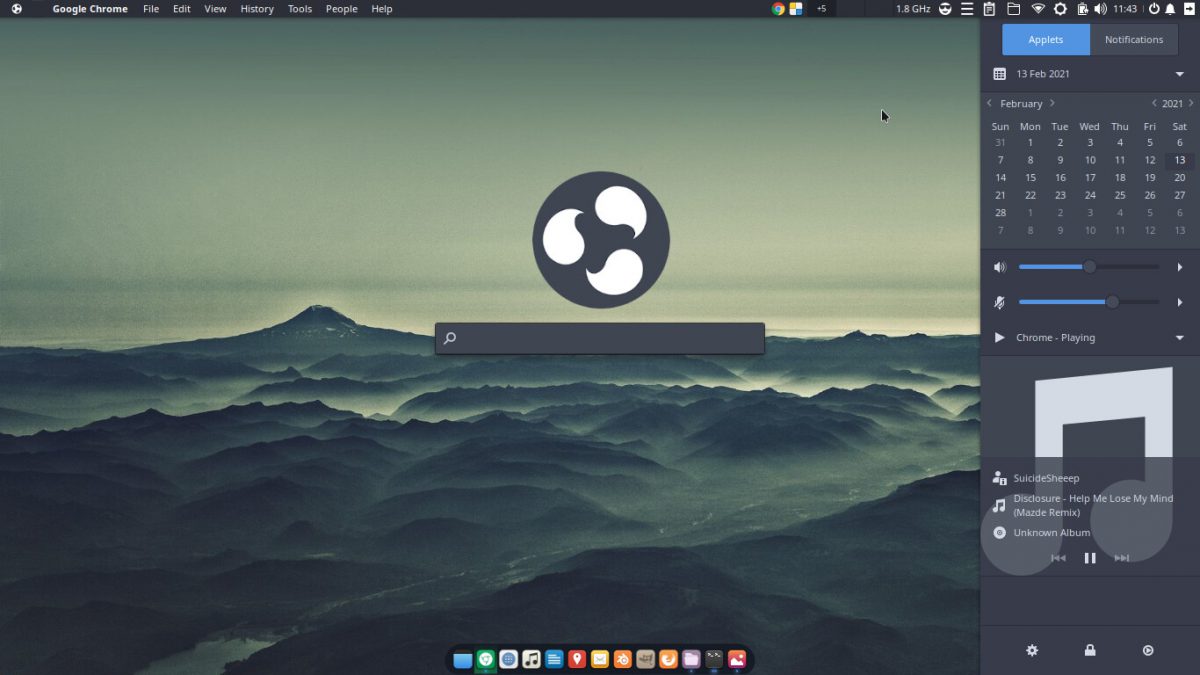
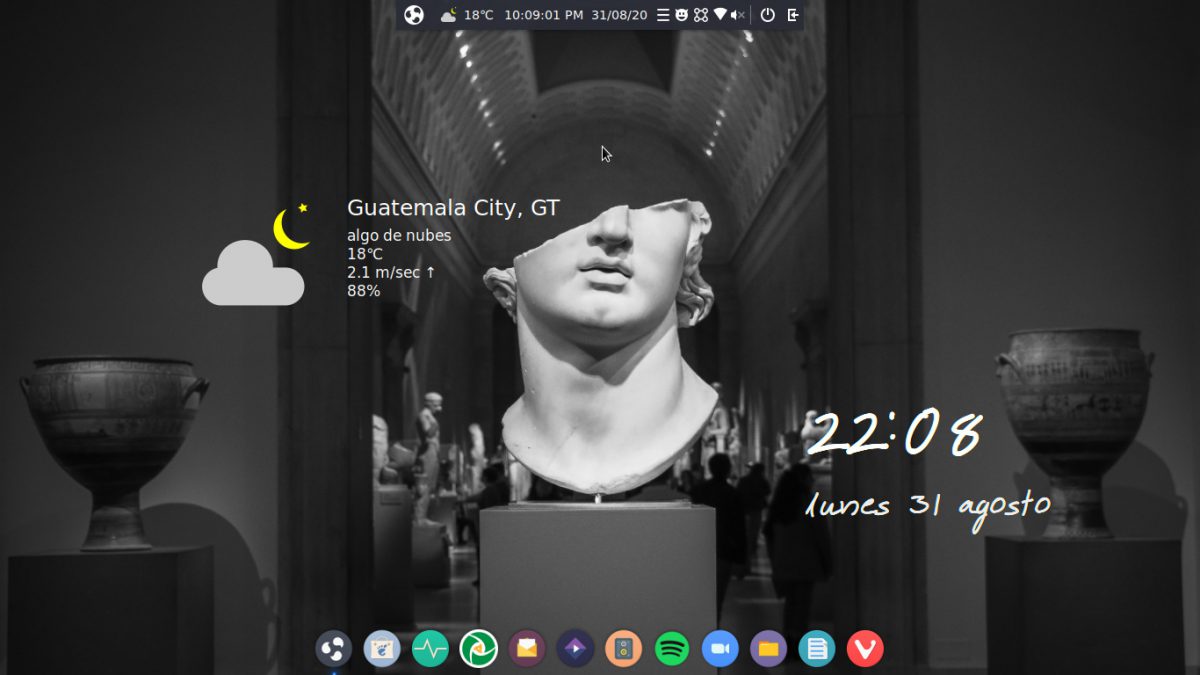
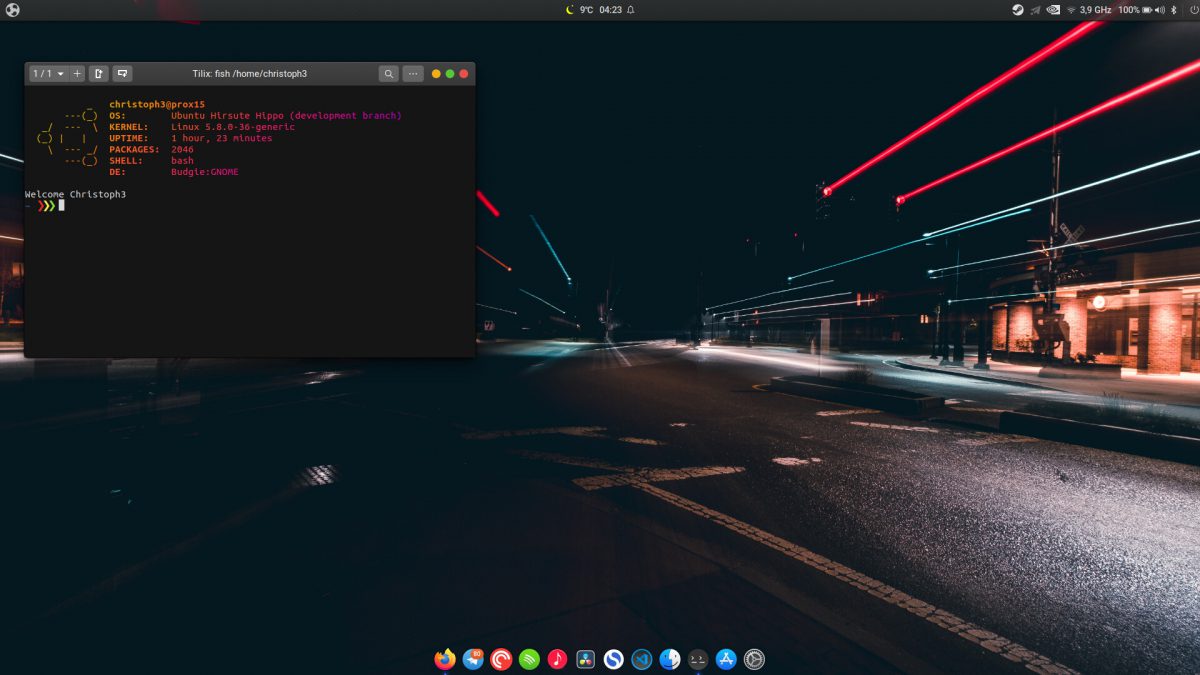
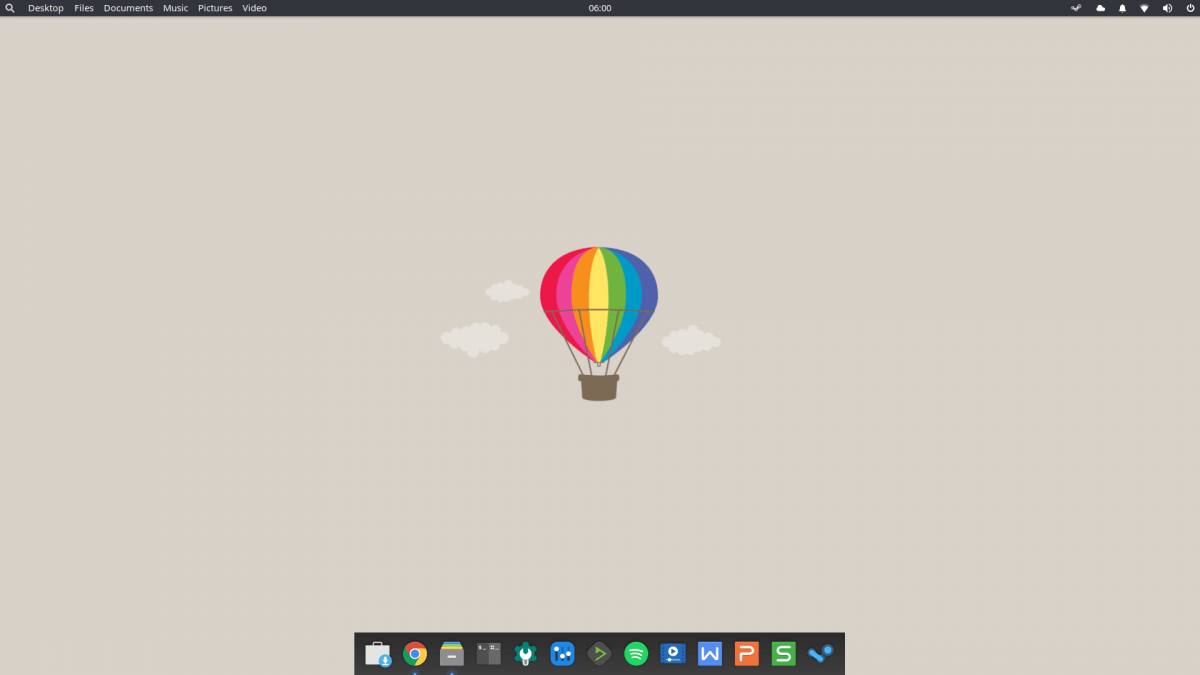
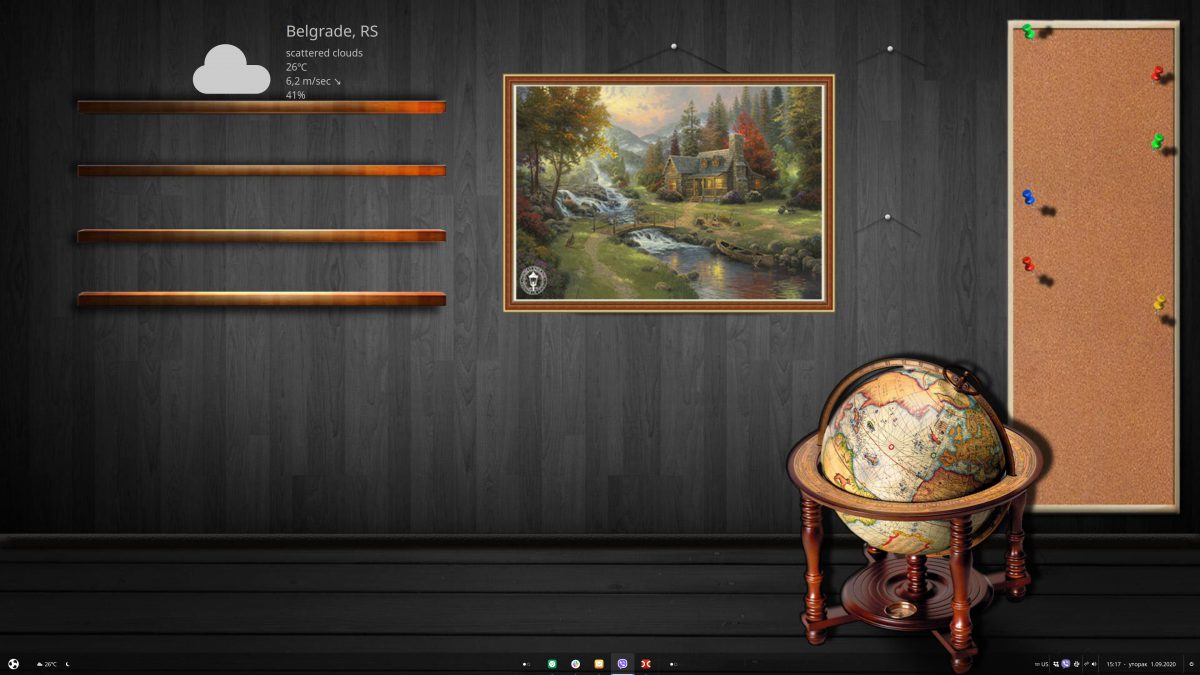
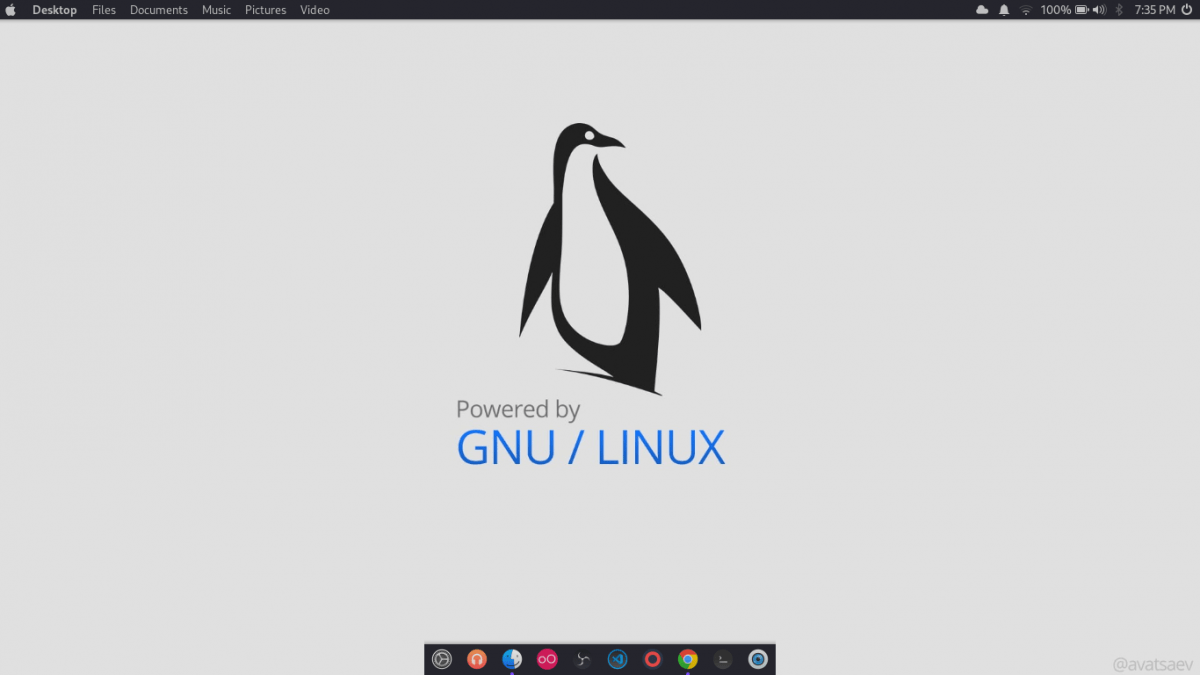
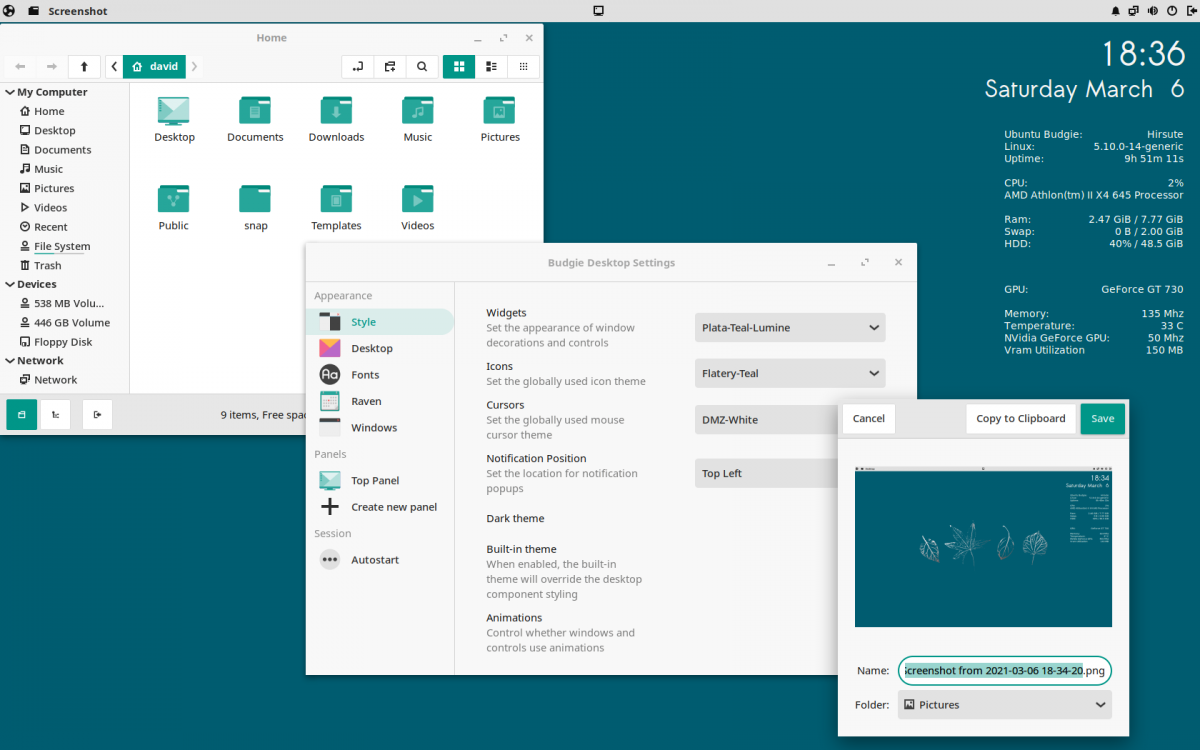
We love our users.
User happiness is our primary target. If our community isn't happy, we're not succeeding.
It's a lightweight OS free of bloat with modest hardware requirements, but still manages to contain everything an average user might need.

It provides all the benefits of Ubuntu and its ecosystem, but feathered beneath a clean, modern looking desktop interface.

After the GNOME-based version, the biggest changes to an Ubuntu flavor come in Ubuntu Budgie.
The Perfect Blend of Ubuntu and Budgie Desktop. Ubuntu Budgie provides a superior computing experience.

Our sponsors.
The organisations that power and support Ubuntu Budgie.

Infrastructure
Deployment, management and scaling of our infrastructure.

Community Forum
Civilized discussion for our community about Ubuntu Budgie development.